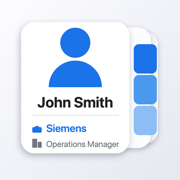
Four levels
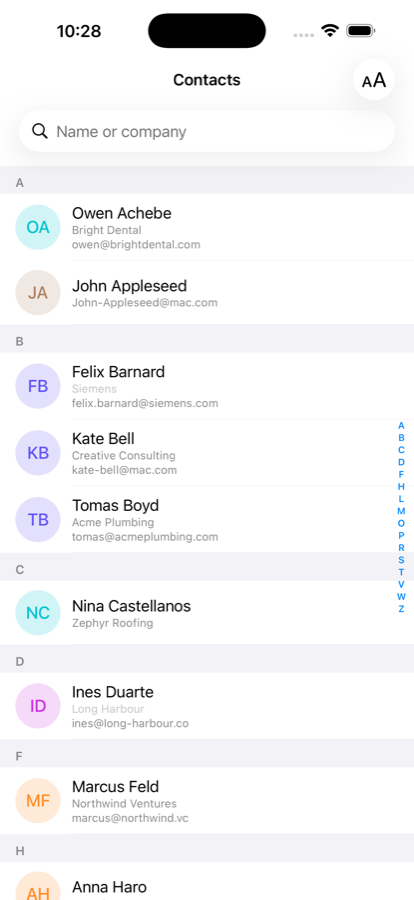
The standard list.
The company in smaller type under each name.
The email address underneath that.
The list regroups under company headings instead of letters.
It fills in the gaps
Most people never fill in the Company field. When it's empty, WhoWorks works the company out from a work email address — someone@acme-tools.com becomes Acme Tools. Guesses are shown in lighter type so you always know which is which, and personal addresses like gmail are ignored.
Same address book
No import, no separate copy, no syncing. WhoWorks reads the same contacts as the Contacts and Phone apps, so anything you edit anywhere is current here. Tap someone to open the standard iOS contact card.
Nothing leaves your iPhone. WhoWorks makes no network requests of any kind. There is no account, no analytics, and no server for your contacts to be sent to.